See what's left after every cost
Net profit for the whole store and for each channel, after product, shipping, fees, expenses and ads. Set your costs once and every figure follows.
Last 28 days
Gross profit£59,400
POAS3.32
Every order in the last 28 days, every cost and all ad spend

Six profit figures, with the usual names
Net profit, gross profit, contribution margin, POAS, COGS and expenses.
Each figure sits on the Summary screen with its own trend and the period before. They're worked out the same way on every screen.
Sales are net of VAT by default for UK and EU stores.
See it working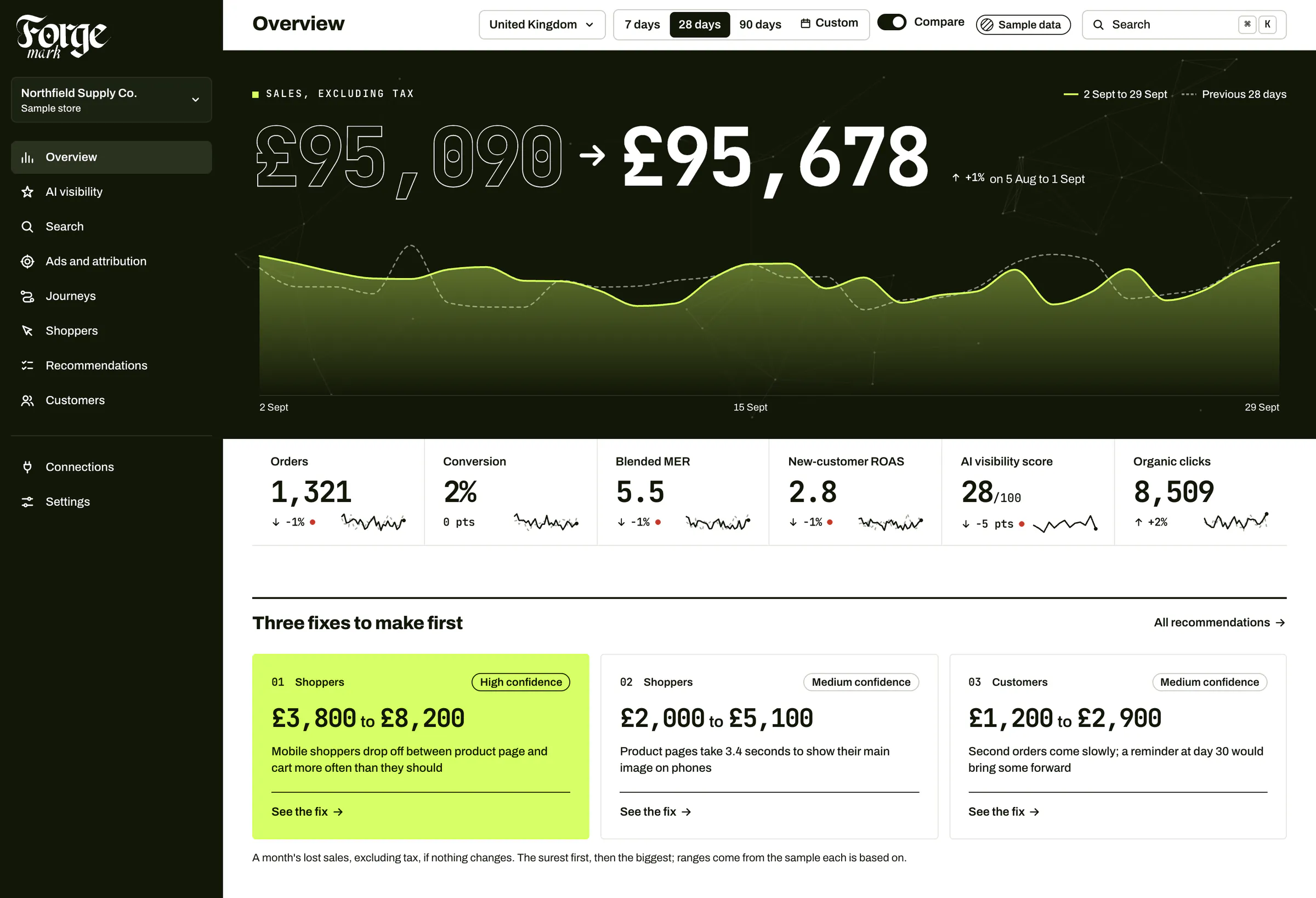
Costs set once, in Settings
Product costs, shipping, payment fees, tax by region and expenses.
Product costs come from the unit costs in Shopify, or your own, typed in or imported as a spreadsheet. Shopify Payments' fees are read from each order.
A product with no cost can take a share of sales instead, and a cost nothing could count leaves profit blank, never free.
Explore integrationsLast 28 days
Gross profit£59,400
POAS3.32
Every order in the last 28 days, every cost and all ad spend
Profit by channel, not just ROAS
A channel can win on ROAS and still lose money.
Each channel's orders as Attribution credits them, their costs, a share of your expenses and its own ad spend. Net profit and POAS sit beside each one.
Set it against new-customer cost and you see how long a customer takes to pay back what it cost to win them.
Explore attributionValue of a customer, by customer age
- First order: £64
- After 3 months: £81
- After 6 months: £97
- After 12 months: £126
Northfield Supply Co., a sample store
- 6
- profit figures on the Summary screen
- 12
- months of lifetime value by customer age, from Shopify's customer statistics
- Net
- of VAT by default for UK and EU stores
- £0
- a month for profit
Frequently asked questions
Do I have to enter every product's cost?
No. Forge Mark reads the unit costs you've already put in Shopify. For products without one, type a cost, import a spreadsheet, or set a share of sales to use instead.
Is revenue before or after VAT?
After. For a UK or EU store, sales are net of VAT by default, and costs are entered before VAT, so profit matches what the business keeps.
What's the difference between ROAS and POAS?
ROAS is sales for each £1 of ads. POAS is profit before ads for each £1 of ads, after the goods, shipping, fees and expenses. Above 1, the ads paid for themselves.
How is a channel's profit worked out?
Each order's sales and costs are shared between channels the way Attribution credits it, then each channel's own ad spend comes off. Fixed expenses are shared by each channel's share of sales, so the channels add up to the store.
Where does lifetime value come from?
From Shopify's own customer statistics, joined to the month of each customer's first order. Each step is worked out from the customers old enough to have reached it, with a likely range.
What does it cost?
Nothing. Profit is part of the free app. See pricing.

See your own profit.
Install the Shopify app, add your costs once, and see net profit for the store and every channel.